Most GPU quotes start too high. A vendor reference architecture is built around the biggest model you might ever want to run, at the longest context length they can show on a slide, with headroom for a batch size you will never actually hit. You sign for eight GPUs when four would carry the workload for the next two years, or you buy a single node when the real constraint is network, not VRAM.
The fix is not a bigger spreadsheet. It is a short sizing calculation you run before you talk to anyone, built from four numbers you already know: the model you want to serve, how many people will use it at once, how long the prompts and answers are, and how fast the first token has to come back. Everything else is derived from those.
So where do you start?
Start With Model Weights, Not Model Names
Model size in GB, not parameter count, is the first number that matters. A good working rule for serving in half precision is roughly 2 GB of GPU memory per 1 billion parameters. A 70B model lands near 140 GB in FP16, which is why a LLaMA-2-70B in FP16 needs about 140 GB of VRAM, or two A100 80GB cards for inference. Drop to FP8 and the same model halves to around 70 GB. INT4 cuts it again to around 40 GB, small enough to fit on a single 80 GB card with room for everything else you need.
That "everything else" is the part reference architectures hide. Weights are the floor, not the ceiling. You also need room for the KV cache, framework overhead of one to two gigabytes, and whatever safety margin your serving stack wants before it starts evicting requests. Plan weights at 60 to 70 percent of a card's VRAM, not 95 percent, and the rest of the sizing math becomes honest.
Quantization is the first lever to pull. Moving a 70B model from FP16 to FP8 halves VRAM with small quality loss on most tasks, and doubles the maximum batch size that can fit on the same hardware at the same latency budget. That one decision often changes a four-GPU answer into a two-GPU answer.
Context Length Is the Hidden Multiplier
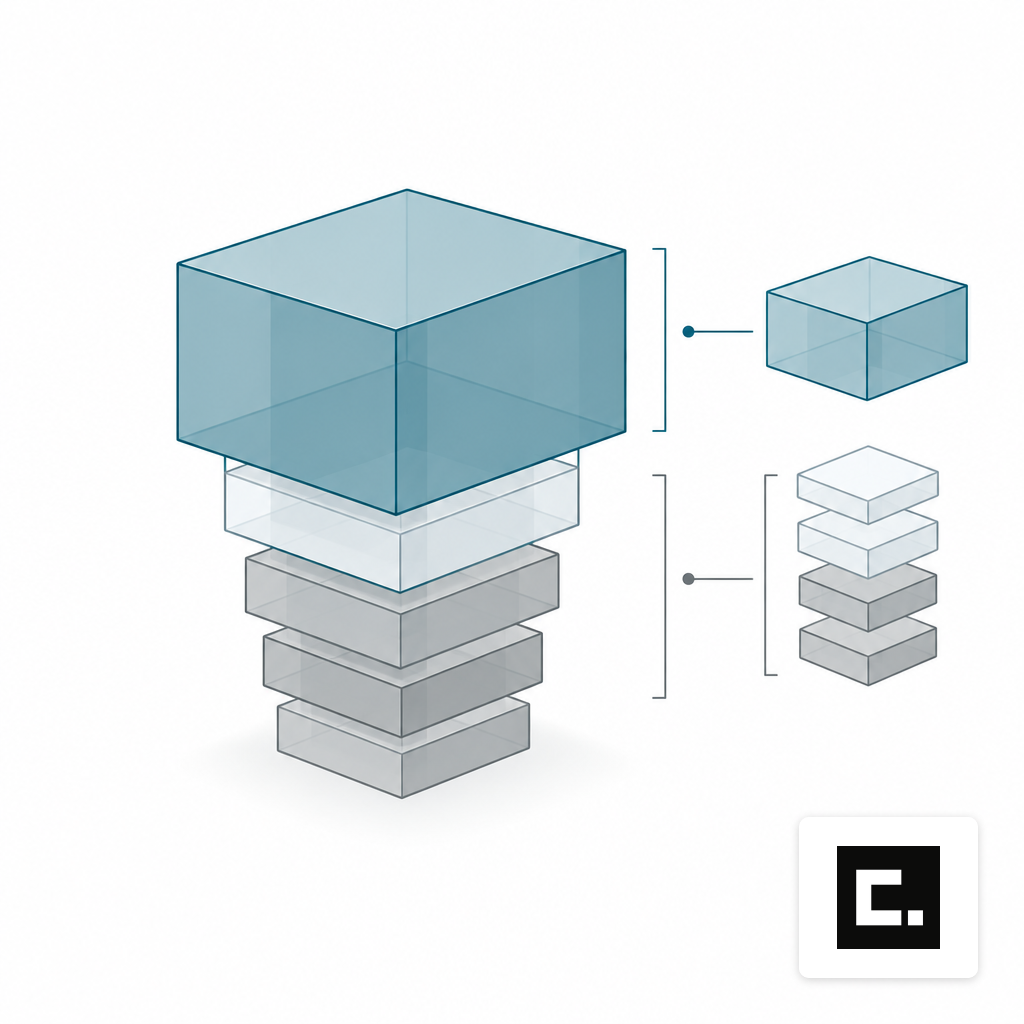
The KV cache is where sizing goes wrong. It scales linearly with context length and with the number of concurrent requests, and at long context it dwarfs the weights. For Llama 3.1 70B with grouped-query attention, per-token cache is about 2.5 MB, an 8K context needs around 20 GB per request, and a batch of 32 reaches roughly 640 GB total. Older multi-head attention models are far worse per token.
Walk the arithmetic for a realistic workload. If you plan to serve 70B at 32K context for ten concurrent users, your weights sit near 140 GB in FP16, and your KV cache budget is ten users times roughly 80 MB per 1K context, which is another 25 GB or so. That is a single 8-GPU H100 node, not two. If you need 128K context for the same ten users, a single 70B request at 128K context already consumes about 40 GB of KV cache, and ten concurrent requests push you well past a single node even before overhead.
Three things cut this down before you buy more GPUs:
- Pick models with grouped-query attention. GQA cuts per-token cache by roughly 8x versus standard multi-head attention at the same quality.
- Cap your real context length. Most production prompts are 2K to 8K, not the model maximum. Set the serving limit to what you actually need.
- Use continuous batching and paged attention. These are properties of the serving stack, not the hardware. The gain is large and the hardware cost is zero.
Concurrency Sets Throughput, Latency Sets Floor
Two different numbers come out of concurrency. The first is throughput: total tokens per second the system has to produce across all users. The second is per-user latency: how long any one person waits for a first token and for each token after that. VRAM gets you the model in memory. Throughput and latency decide how many GPUs you actually need to serve it.
Published single-user numbers give you a floor. On a 7B model at FP8, a single H100 SXM delivers around 165 tokens per second per user with a median time to first token near 31 ms. On a 70B model, a single H100 NVL lands near 104 tokens per second at a 4K input, 256 output budget. Those are single-request measurements. Aggregate throughput with continuous batching is much higher, because the GPU is memory bandwidth bound and spends most of its time waiting on reads, not math.
A practical method:
- Decide the acceptable per-user token rate. 20 to 40 tokens per second feels fluid in a chat UI. Agent and batch jobs tolerate less.
- Multiply by expected concurrent users to get required aggregate throughput.
- Divide by measured per-GPU aggregate throughput for your model at your quantization and context length.
- Round up, then add one GPU of headroom for KV cache spikes, not for weights.
For a 70B FP8 chat workload at 30 users and 25 tokens per second each, you need roughly 750 tokens per second of aggregate output. A 4-GPU H100 node serving the model with continuous batching gets you there. Eight GPUs is a 100 percent markup paying for a safety margin you did not ask for.
Match the GPU to the Job, Not the Brochure
LLM inference is memory bandwidth bound, not FLOPS bound. That is why the H100 SXM5 ships with 80 GB of HBM3 at 3.35 TB/s and up to 3,958 FP8 TFLOPS with sparsity at a 700W TDP, and why the H100 NVL offers nearly 4,000 GB/s of memory bandwidth with 94 GB of HBM3 at 400W. For most on-prem workloads the extra 14 GB on the NVL card is what matters, not the headline compute number.
Training is a different animal. Even moderately sized runs are measured in GPU-days, not GPU-hours. Meta's Llama 3.2 3B Instruct used a cumulative 916,000 GPU hours on H100-80GB hardware, and Meta pushed Llama 3 training to over 16,000 H100 GPUs for the 405B model. Most organizations are not training from scratch. If your plan is fine-tuning or LoRA on open weights, your sizing problem is inference plus a periodic job that borrows the same hardware overnight, and our fine-tuning services are built around that pattern. If you genuinely need a from-scratch run, you are in a different conversation, closer to what Meta did when it trained Llama 3 on clusters of 24,576 H100 GPUs, and the right answer is almost always a GPU cluster rather than a single node.
Size the System You Will Actually Run
Reference architectures assume your worst day is your every day. Real workloads are not shaped like that. A legal team runs long-context document review in bursts around a filing deadline. A hospital's clinical summarization sits near a steady background load. A manufacturing site's defect model fires on a conveyor cadence. The sizing you buy should match the second-worst hour of a normal month, with the serving stack handling the one bad hour through queueing rather than idle hardware the other 719 hours.
Three practical checks before you commit:
- Load one week of representative prompts and run them through the candidate model at the candidate quantization. Measure p50 and p95 latency. If p95 is within budget, your sizing is right.
- Separate training, batch and interactive workloads onto their own time windows. One rack-class server often covers all three if they do not run at once.
- Compare the single-node sizing against a leased alternative. Our write-up on buying or leasing GPU servers covers the trade-off once you know the GPU count.
GPU sizing is a tool, not a verdict. The right count is the smallest one that meets your latency target at your real concurrency on your real context length, with a quantization you have tested, on a serving stack that batches properly. Everything above that is slack you paid for.
What To Do Before You Request a Quote
Write down the five numbers: target model and quantization, p95 input and output tokens, peak concurrent users, acceptable per-user token rate, and acceptable time to first token. Multiply through the sizing math above. The answer is almost always smaller than the first configuration a vendor sends you, and it is defensible on paper to anyone who signs the purchase order.
If the result sits inside a single 2 to 8 GPU box, you are looking at a single-node configuration. If it spills past one node for memory or throughput reasons, you are into cluster territory and the network becomes part of the sizing. Either way, the number you bring to the conversation is yours, not the vendor's, and that is the point.