Most on-prem AI programs do not fail at the model. They fail in the first 90 days after the server rack lands, when assumptions baked into the business case meet the building, the directory, the data and the people who were supposed to use the thing. By then the budget is committed, the vendor is paid, and the pressure to show something working is at its peak. That is a bad time to discover your retrieval returns the wrong document, your facilities team cannot cool the rack, or your identity provider does not speak to the platform you bought.
The failure rate is not hypothetical. S&P Global Market Intelligence found enterprise AI-initiative abandonment before production rose from 17% in 2024 to 42% in 2025, with the average organization scrapping 46% of proofs-of-concept. The specific things that go wrong are predictable. Below are the six that show up most often in weeks 1 through 12, what they cost to remediate, and the questions to put to your scope and vendor before the purchase order goes out.
Power and Cooling Catch Facilities Off Guard
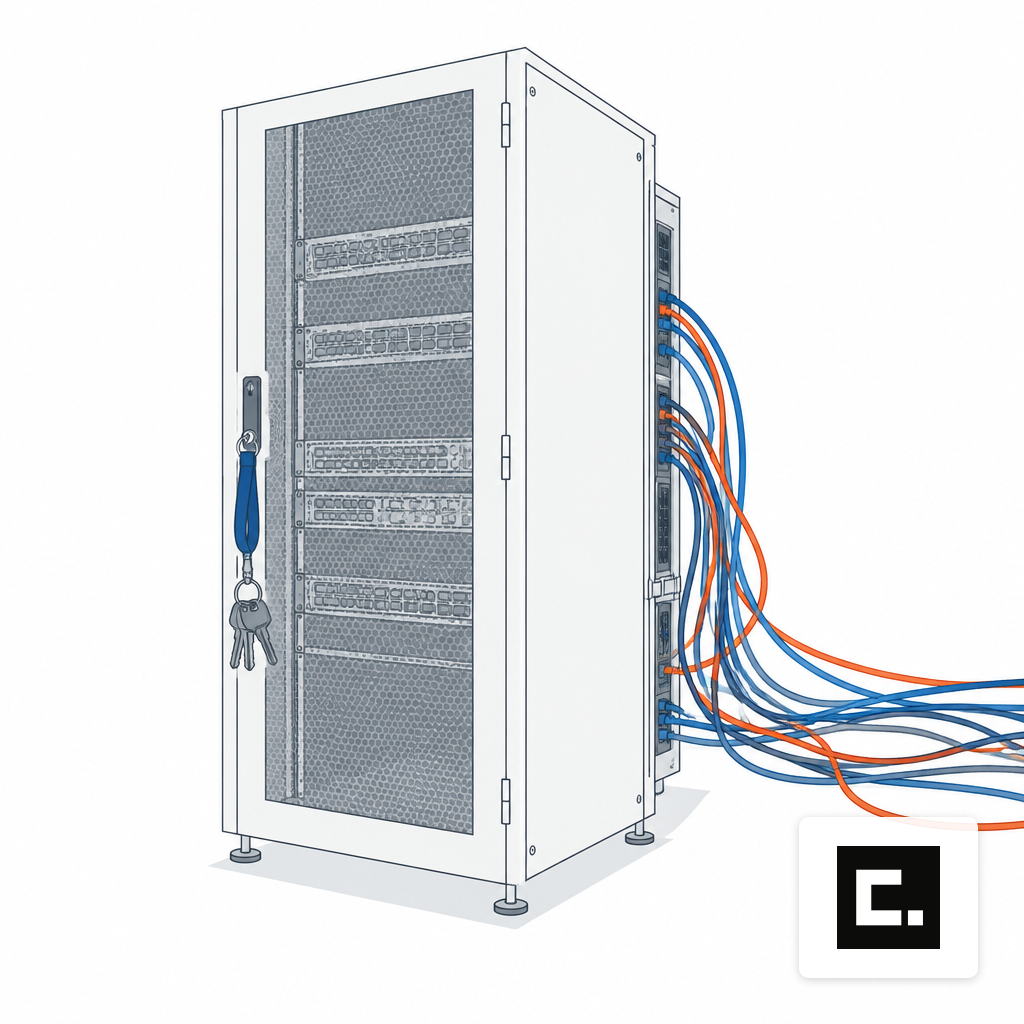
The single most common week-one surprise is thermal. A GPU server pulling 6 to 10 kW does not fit into a rack provisioned for a 5 kW ceiling, and most server rooms outside of purpose-built data centers were sized years ago for storage and virtualization loads. Average data center rack density rose from roughly 16 kW in 2025 to 27 kW in 2026, and only one in five operators report being prepared for the 50 to 70 kW racks now common in AI deployments. Mid-market server rooms are usually further behind than that.
The remediation path depends on what you find. Adding a dedicated 60-amp circuit and in-row cooling is a one-to-three-month electrical and HVAC job. ASHRAE's AI Data Center framework recommends liquid cooling, direct-to-chip or rear-door heat exchangers, and thermally segmented zones to support 50 to 100+ kW racks while staying inside Standard 90.4. Retrofitting liquid cooling into an existing room is a capital project, not a weekend.
Pressure-test this before signing. Ask the vendor for the full nameplate draw of the configured system, the inlet temperature range, and the airflow pattern. Walk your facilities lead through the actual rack location. If the honest answer is that the current room cannot carry the load, the right call may be a smaller footprint, a colocation cage, or a ruggedized edge AI system at the site where the data already lives.
Identity Integration Is Harder Than the Demo Suggested
The second week-one problem is almost always identity. Buyers assume that if the platform supports SAML and SCIM, user onboarding is a checkbox. In practice, the gap between SSO authentication and SCIM provisioning is where accounts leak. SSO proves who someone is at login; it does not create accounts, update group memberships, or deprovision when someone leaves. Running one without the other produces either manual provisioning tickets forever or stale local credentials that outlive the employee.
Those stale credentials matter. IBM's Cost of a Data Breach Report 2025 found that 97% of AI-related breaches lacked proper access controls. For a system holding your contracts, patient records or source code, that is the exposure the board will ask about first.
Three questions to settle before go-live. Which identity providers are actually supported end to end, not just claimed on a feature matrix. Whether group-based role mapping syncs on a schedule or on change. And whether service accounts for agents and background jobs are managed through the same directory, or sitting in a YAML file somewhere. The last one is where most custom agent deployments accumulate shadow identities over the first quarter.
Retrieval Quality Is Where Pilots Die
Model choice gets the attention. Retrieval is where the project actually fails. A pilot built on a hand-curated set of 500 documents will score beautifully. The same pipeline against 30 million records across a dozen systems will not degrade gracefully; it will stop returning useful results and the model will fill the gap with confident fabrication.
The failure modes are well characterized. A taxonomy synthesized from more than 150 production and academic RAG deployments found that retrieval failures account for roughly 41% of all RAG failures, with coverage gaps and granularity mismatches dominating. A separate audit found that 30% of the highest-volume error codes in a customer support corpus had no troubleshooting content at all, so the LLM had nothing to retrieve and invented an answer.
Remediation is not a model swap. It is corpus work: coverage audits against real user questions, better chunking for tables and figures, metadata filters, hybrid search, and a reranker. Budget two to six weeks of data engineering per domain, and plan for a second pass once you have real query logs. If your scope talks about model selection but not about who owns the index refresh cadence or table extraction, that is the gap that will surface in week five.
Model Choice Regret Hits Around Week Six
The first model you deploy is almost never the one you run in production six months later. Teams usually overshoot on parameter count, discover the latency is unacceptable at concurrency, and spend weeks walking back to a smaller open-weight model that fits the real workload. The reverse also happens: an 8B model picked for throughput cannot handle the reasoning the legal team actually needs, and the quality complaints start in week seven.
This is why vendor neutrality on weights matters more than vendor branding on hardware. If your platform locks you to one model family, every quality or cost regret becomes a procurement cycle. A system that can serve Llama, Qwen, Mistral, DeepSeek, Gemma or gpt-oss behind the same API lets you swap based on evaluation results, not contracts. The practical corollary: your scope should budget for at least one model migration inside the first 90 days, including re-running your eval suite and warming the KV cache on the new weights.
The GPU sizing decision is downstream of this. If you are still deciding, the companion piece on how many GPUs you need walks through the concurrency math.
Evaluation Gaps Mean You Cannot See Regressions
Most on-prem programs ship without a working eval harness. The team has an LLM-as-judge script that runs end-to-end answer quality, maybe. They have nothing that catches a recall regression at the retriever when someone re-indexes the corpus with a different chunk size. Multiple 2026 practitioner surveys put the share of production RAG teams without systematic retrieval evaluation at around 70%.
What a working eval rig looks like in practice: a frozen set of 100 to 500 real user questions with known-correct answers, scored on context recall and context precision at the retrieval layer and on faithfulness at the generation layer, re-run on every index change and every model swap. It is not glamorous and it is not optional. Without it, your first 90 days produce anecdotes instead of evidence, and quality drift goes undetected until a user complains in Slack.
Hardware Faults Surface Earlier Than Teams Expect
Even new silicon fails. A published characterization of large-scale LLM training in a datacenter found that infrastructure-related failures (NVLink, CUDA, node, ECC and network errors) consumed over 82% of wasted GPU time while making up only about 11% of failed job quantity. The failures are rare per job but expensive per occurrence. At inference scale the pattern repeats: a single flaky NVLink or an unseated PCIe riser produces hours of head-scratching before anyone thinks to check the hardware.
What this means for a buyer: thermal headroom, burn-in testing before handover, hot-spare GPU capacity in the configuration, and a documented RMA path with the integrator. The discovery-to-handover process should name who holds the pager when a GPU throws ECC errors at 2 a.m. in week three, because it will happen.
Change Management Is the One No One Scoped
The last failure is organizational. The platform works, the retrieval is tuned, the model is right, and usage flatlines because no one taught the team how to ask it questions, which workflows to route through it, or how to challenge an answer that looks wrong. Six weeks later, the executive sponsor asks why adoption is 12%.
The fix is unglamorous: named power users in each department, a weekly office hour, a visible changelog, and a feedback loop into the eval set so that the questions users actually ask become the questions the system is measured on. Budget 10% to 20% of the implementation effort for this. If the vendor's statement of work has zero hours for enablement, that is a scope hole, not a saving.
What To Do Before You Sign
You do not need to prevent every one of these. You need to know which ones your contract and your facilities actually cover, and which ones land on your team by default. The buy-versus-lease decision changes the risk allocation here too, and the breakdown in the piece on buying or leasing GPU servers is worth reading alongside this one.
Three concrete asks for any vendor conversation before purchase. One, a written power and cooling worksheet signed by someone who has seen your room. Two, a named owner for identity, retrieval evaluation and model migration in the first 90 days, with hours budgeted. Three, a go-live checklist that includes hardware burn-in, a frozen eval set and a change-management plan, not just a login screen. If you want to pressure-test a scope against this list, that is what the discovery conversation is for.